
Tap Dungeon System Requirements and Saves
Official Steam minimums, install size, and where the rebirth files live.
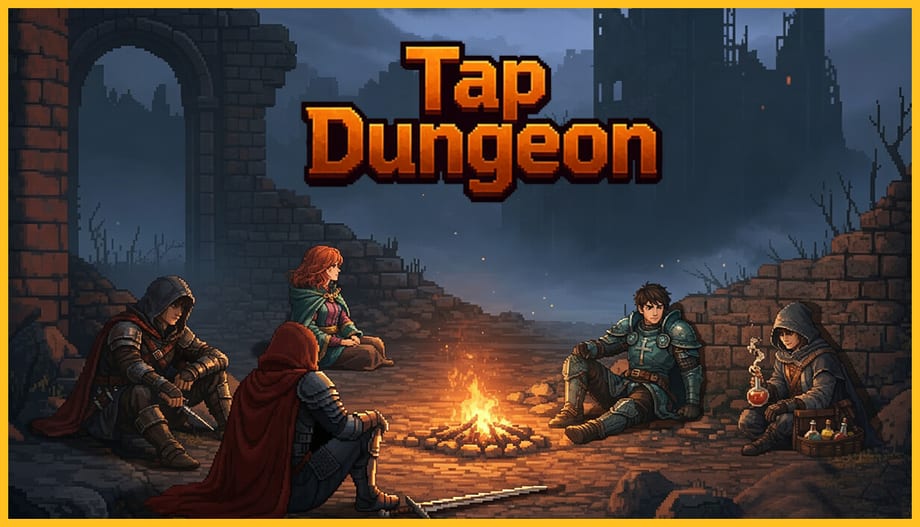
Tap Dungeon is a Windows Steam title. At launch Xiao5 listed a modest minimum spec. This page quotes that spec, adds the install-size snapshot from public depot data, and tells you where saves live. It is not a can-you-run-it binary you install. Parent: tools hub. Buy link: the Steam store page.
Official minimum (Windows)
- OS: Windows 10
- CPU: Intel Core i3-3220 / AMD FX-4100
- RAM: 2 GB
- GPU: NVIDIA GeForce GTX 650 / AMD Radeon HD 5770
- Storage: 1 GB available space
No Mac or Linux listing sat on the store copy we used. Do not buy expecting a deck-native build the page did not advertise. Proton may work; Xiao5 did not promise it.
The minimum GPU looks older than the pixel art needs, which is normal for Unity-class 2D. If your laptop is Intel-only graphics from 2012, try the demo before you spend the intro price. If the demo hitchs on event paintings, the full biomes will not magically be lighter.
Install size snapshot
Public SteamDB depot data around launch showed about 419 MB on disk and 308 MB download. The store’s “1 GB available” line is the safe buffer, not a lie. Keep the extra space for Steam Cloud overhead and Windows pagefile drama.
The shipped executable name is CubeDungenSource.exe in an install folder that still carries the Chinese title plus Tap Dungeon. That is the real binary, not a pirated rename.
Saves and Steam Cloud
Steam Cloud is enabled. User file config pointed at:
%USERPROFILE%/AppData/LocalLow/EZMode\CubeDungenSource
Back that folder up if you are about to reinstall Windows. Do not share it as a “god save” — this wiki is not a cheat stall. Cloud should restore a legitimate run on another PC signed into the same Steam account.
If a hotfix moves the path, it will be noted on launch notes. Until then, that LocalLow tree is the rebirth archive.
Input
Footage is mouse-cursor heavy: cards, event buttons, loot popups. Steam flagged a controller tag wizard, which usually means Steam Input is at least in the conversation. We will not invent a full Xbox layout. If your only stick is a gamepad, try Steam’s layout preview before you refund. How to play is the loop, not a keybind table Xiao5 never posted.
Languages and display
Twelve interface languages shipped, including English, French, German, and Spanish. If your UI is a mix you did not ask for, change language in Steam properties before you assume the game is broken. Launch-week comments already grumbled about translation quality. That is a text problem, not a GPU problem.
Some artwork is disclosed as Stable Diffusion-assisted. That does not change the spec. It may change whether you buy; that argument belongs on the review.
After the PC check
If the box passes, pick a class with the class picker and read getting started. If it fails, the demo is the honest test. Sibling tool: class picker. Parent: tools. Studio URLs: links.
If the game launches and immediately dumps you to desktop, verify Visual C++ runtimes and that Steam is not overlay-fighting an old GPU driver. Pixel art still needs a real D3D device. Integrated graphics from a business laptop often works; a virtual machine often does not. Try the demo before you open a refund argument that is actually a driver argument.
What this page will not diagnose
A gold counter in scientific notation is not a spec failure. An ugly translation is not a spec failure. An armored tile that ignores a 30-damage skill is a combat or bug report, not a GPU report. Those belong on the review and on Steam discussions. This page only answers whether Windows 10, two gigabytes of RAM, and a GTX 650-class chip should be allowed to try. If they should, pick a class with the class picker and stop reading hardware blogs. The rebirth files in LocalLow will exist either way. Back them up when you care; do not share them as a “clear file.”
Frequently Asked Questions
Launch-week answers for new adventurers from the Duchy of Lyle.
Can I play Tap Dungeon on Steam Deck?
Xiao5 listed Windows. Deck users should verify Proton themselves. This page will not invent a verified badge the store did not show.
Where are my saves?
`%USERPROFILE%/AppData/LocalLow/EZMode\CubeDungenSource`, plus Steam Cloud.
How big is the install?
Store minimum says 1 GB free. Launch-week depot data was a few hundred megabytes on disk.
Does it need an internet connection after install?
Steam needs to let you launch. The game is single-player. Always-online was not advertised.